
Pulse
Inside Pulse v4

A clear workspace for the sites we manage together.

Pulse v4 brings the site estate, health, backups, WordPress operations, updates, DNS, PHP and support context into one product. The previews below use fictional domains and anonymised information, but reflect the real interface and workflows.

One connected workflow

From estate view to site action without losing context.

Pulse is designed around the way managed hosting work actually moves: find the site, understand its state, take the right action and leave a usable record.

1

Find the right site

Filter by environment, platform, routing and server, then search the managed estate without jumping between hosting panels.

2

Open the full context

See the site preview, production state, WordPress and PHP versions, Cloudflare routing, node, IP and response health together.

3

Take the next action

Open WordPress, use staging, purge cache, review updates or start a backup from the site workspace.

4

Keep a usable record

Health, backups and support activity stay attached to the site so the next person starts with context.

Your view

See what we see, without having to run it.

Pulse keeps site health, backups and activity clear for your team. The information is available when you need it, while the operational responsibility remains with us.
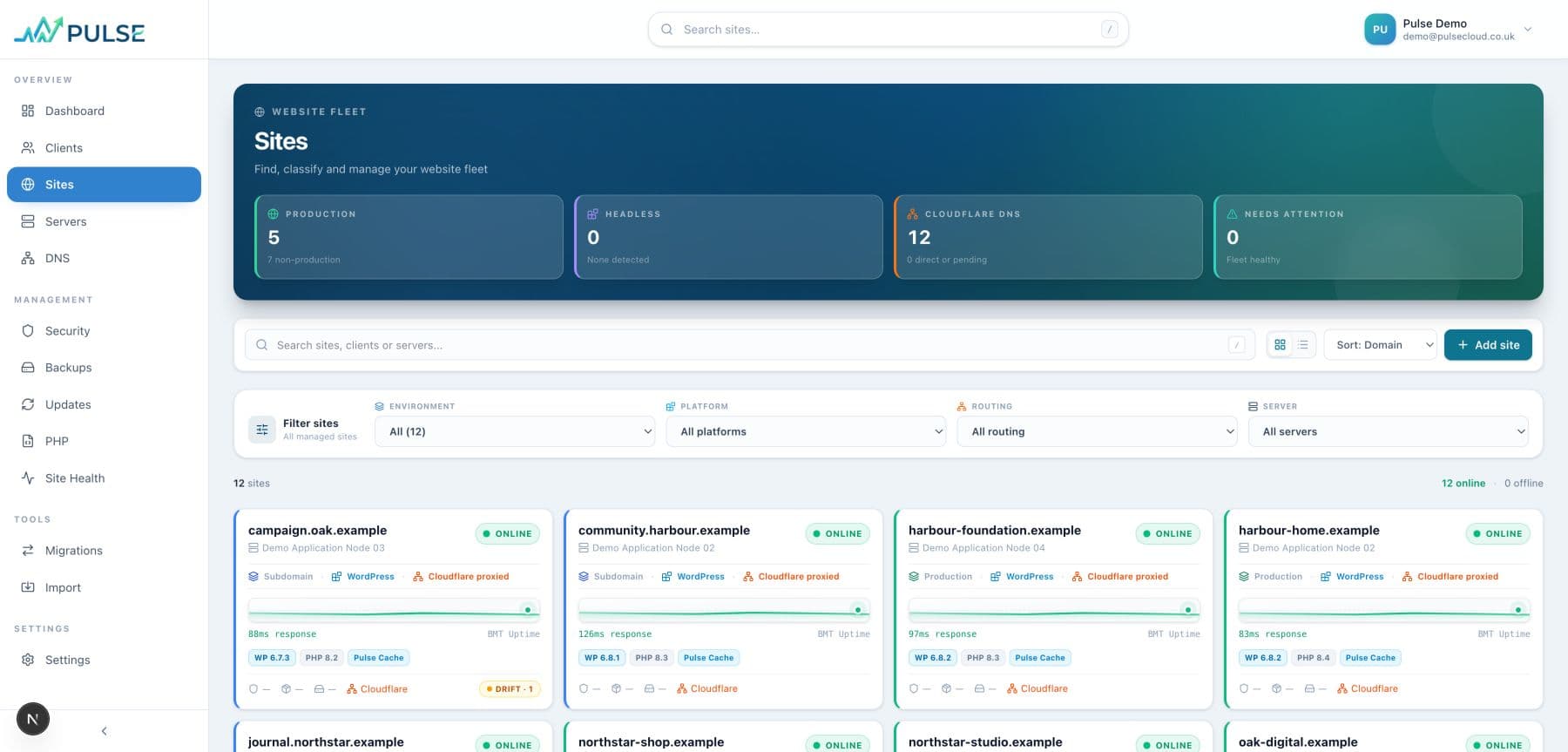
Pulse Sites view showing fictional managed websites, fleet filters and health information

Sites at a glance

Filter the managed estate and see environment, platform, routing, server and health context in one place.
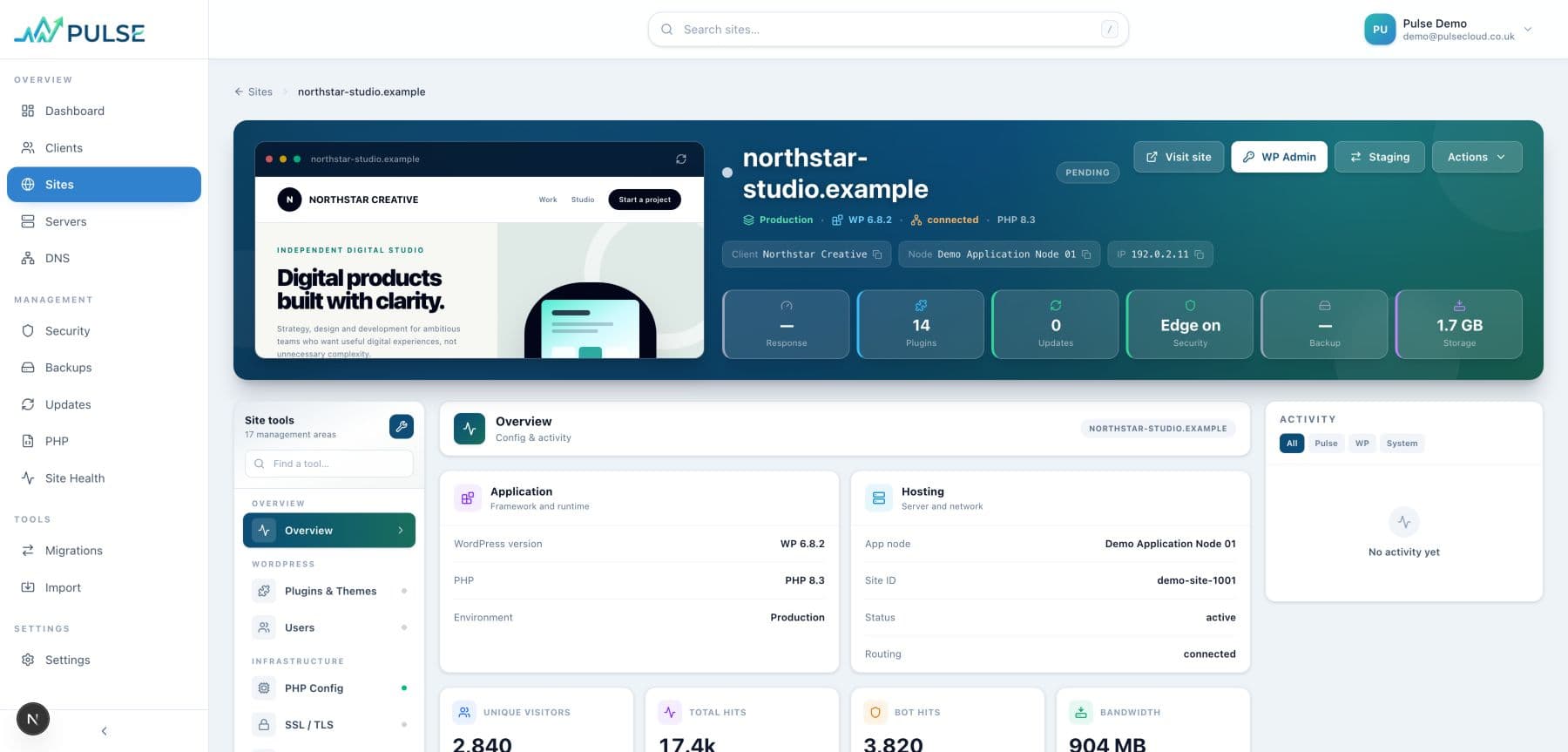
Pulse site workspace for the fictional northstar-studio.example website

A workspace for every site

Preview, WordPress and PHP context, response health, staging and common actions stay attached to the site.
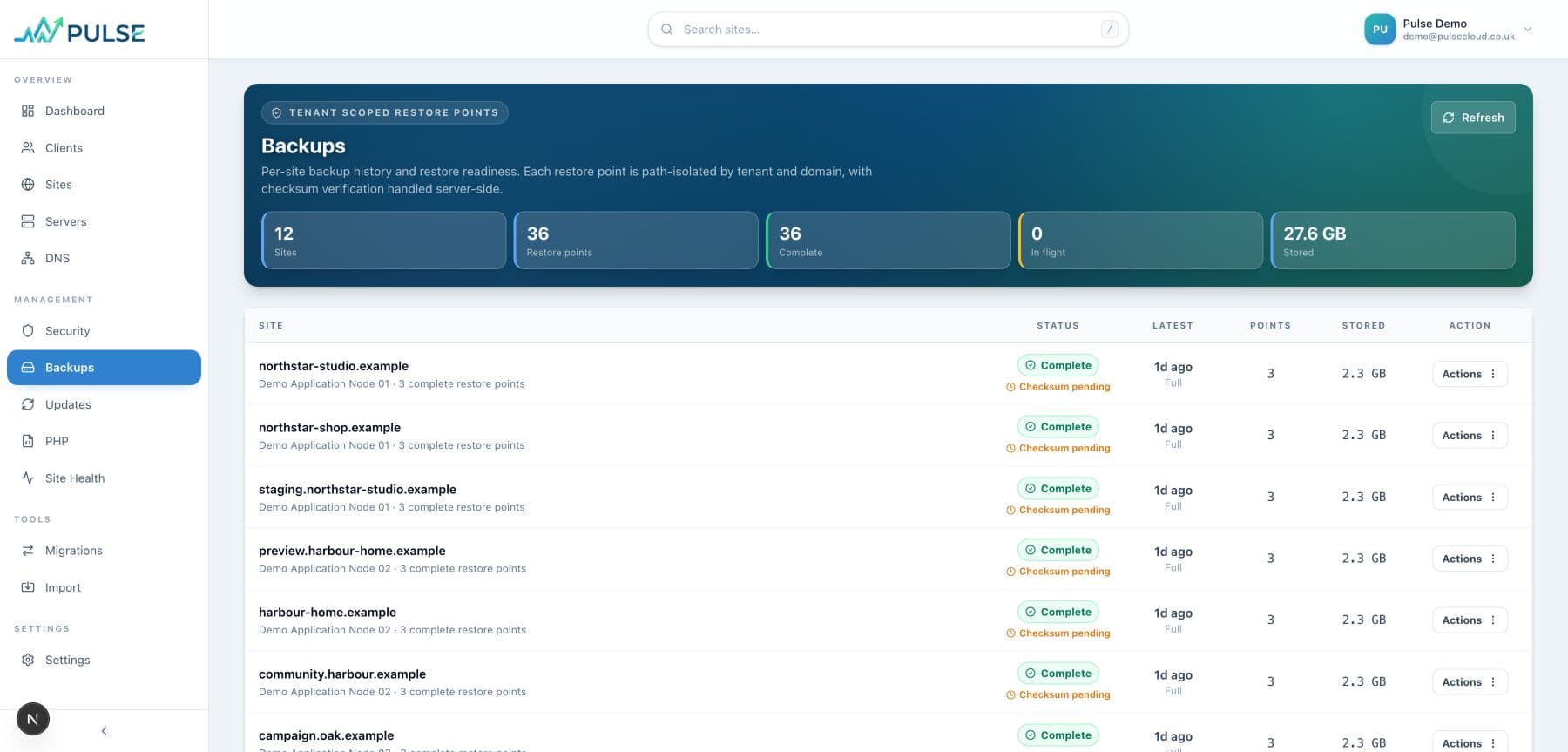
Pulse backup management view using fictional demo data

Backups with a recovery path

Review restore points and backup state without moving between separate storage and hosting tools.
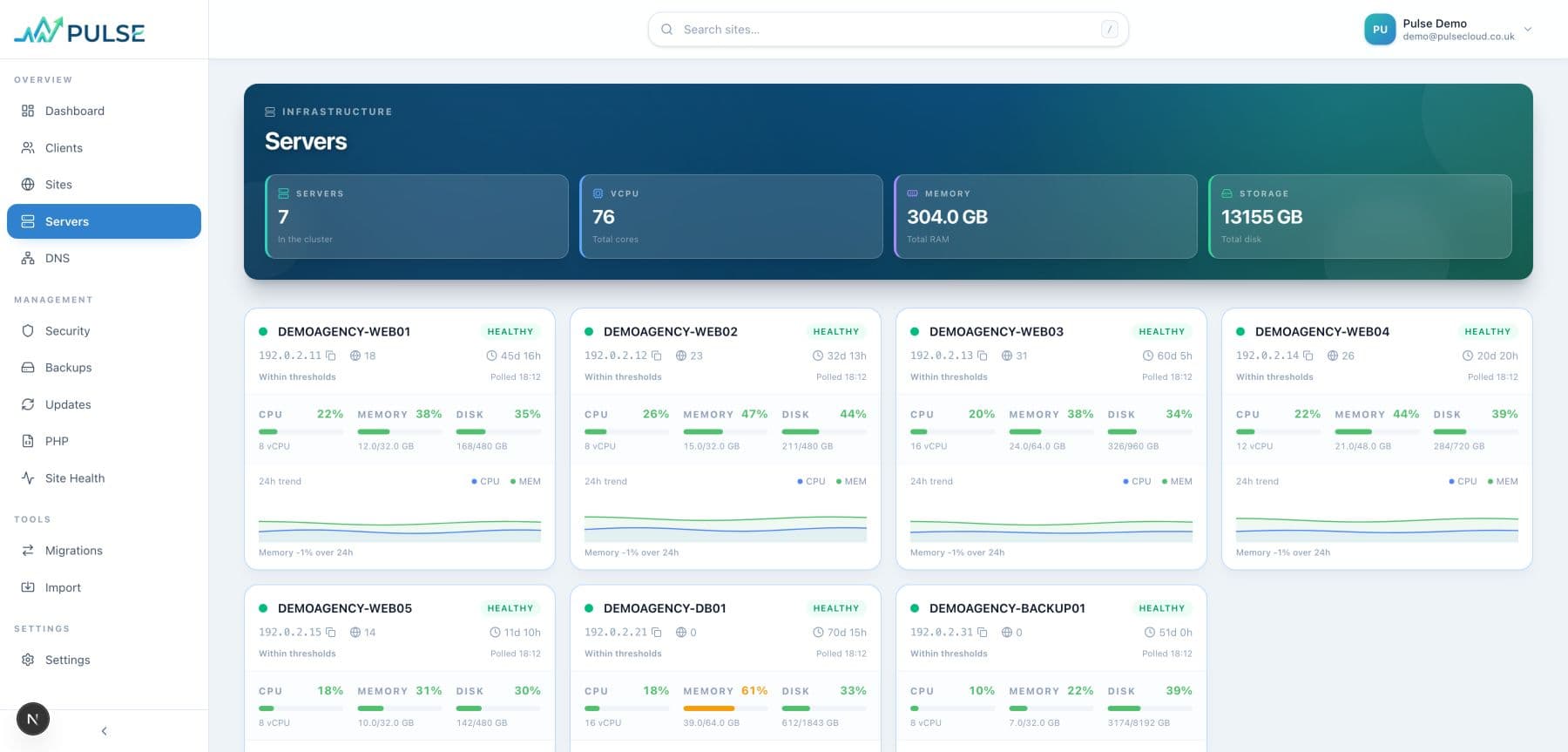
Pulse server fleet view using fictional infrastructure data

The infrastructure behind the estate

See the managed server fleet, operational state and capacity supporting customer websites.
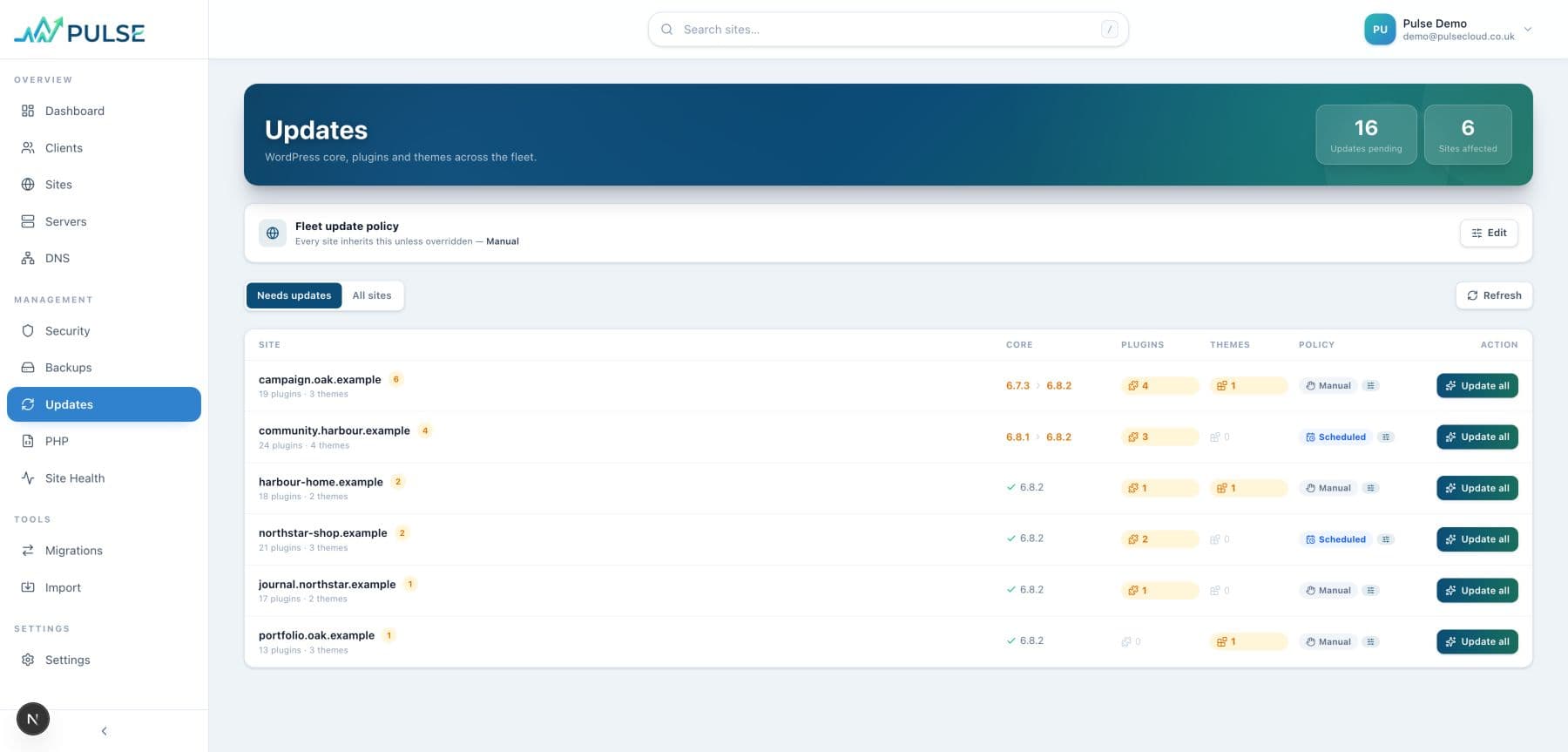
Pulse WordPress updates view using fictional demo data

Updates across the estate

Review WordPress core, plugin and theme updates with the affected site and its wider context close by.
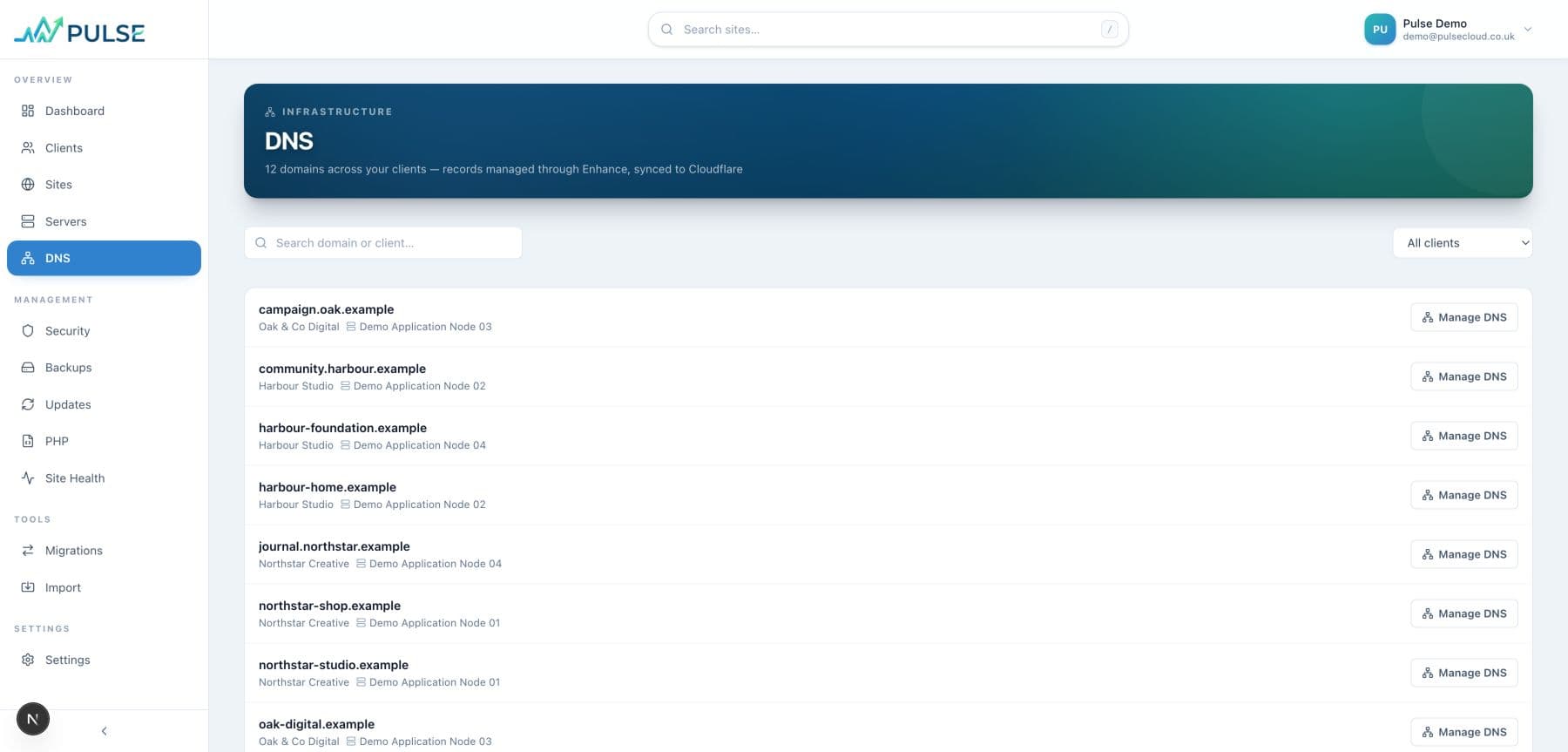
Pulse DNS and routing view using fictional domains

DNS and routing visibility

Keep domain routing and Cloudflare connection state visible alongside the sites they serve.
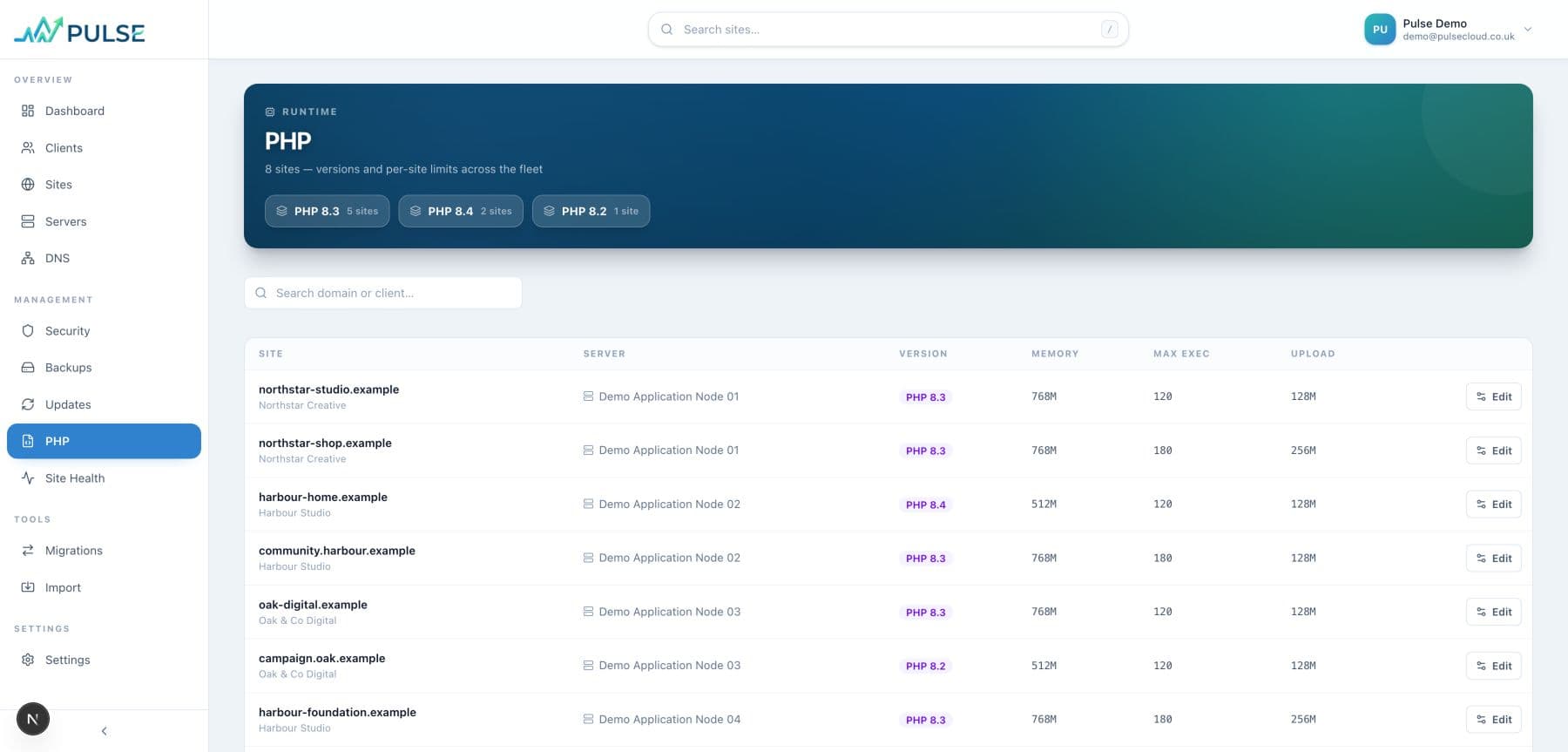
Pulse PHP fleet view using fictional demo data

PHP fleet context

See runtime versions across managed websites and identify where platform configuration needs attention.
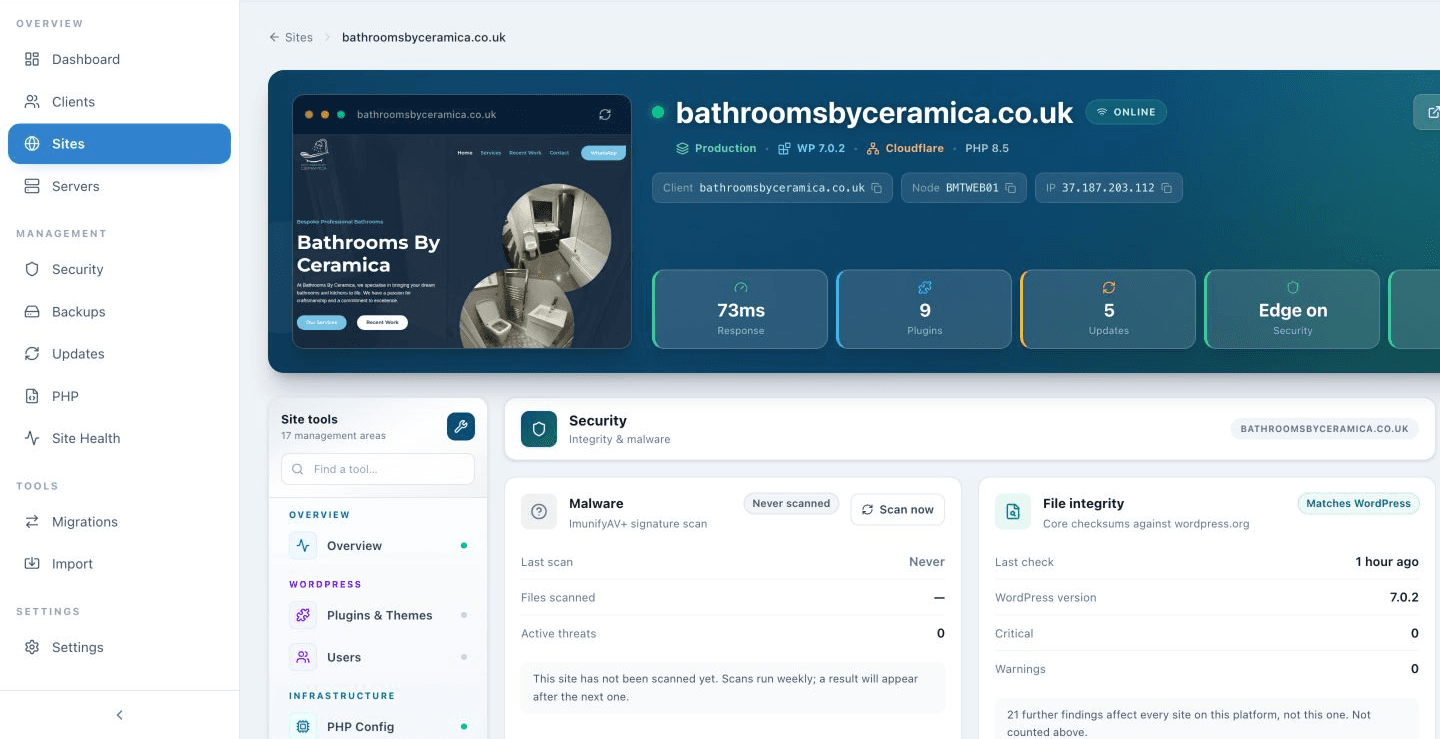
Pulse security workspace showing malware and file-integrity checks for bathroomsbyceramica.co.uk

Security in the same workspace

Keep security checks and site context together so issues can be understood and handled quickly.
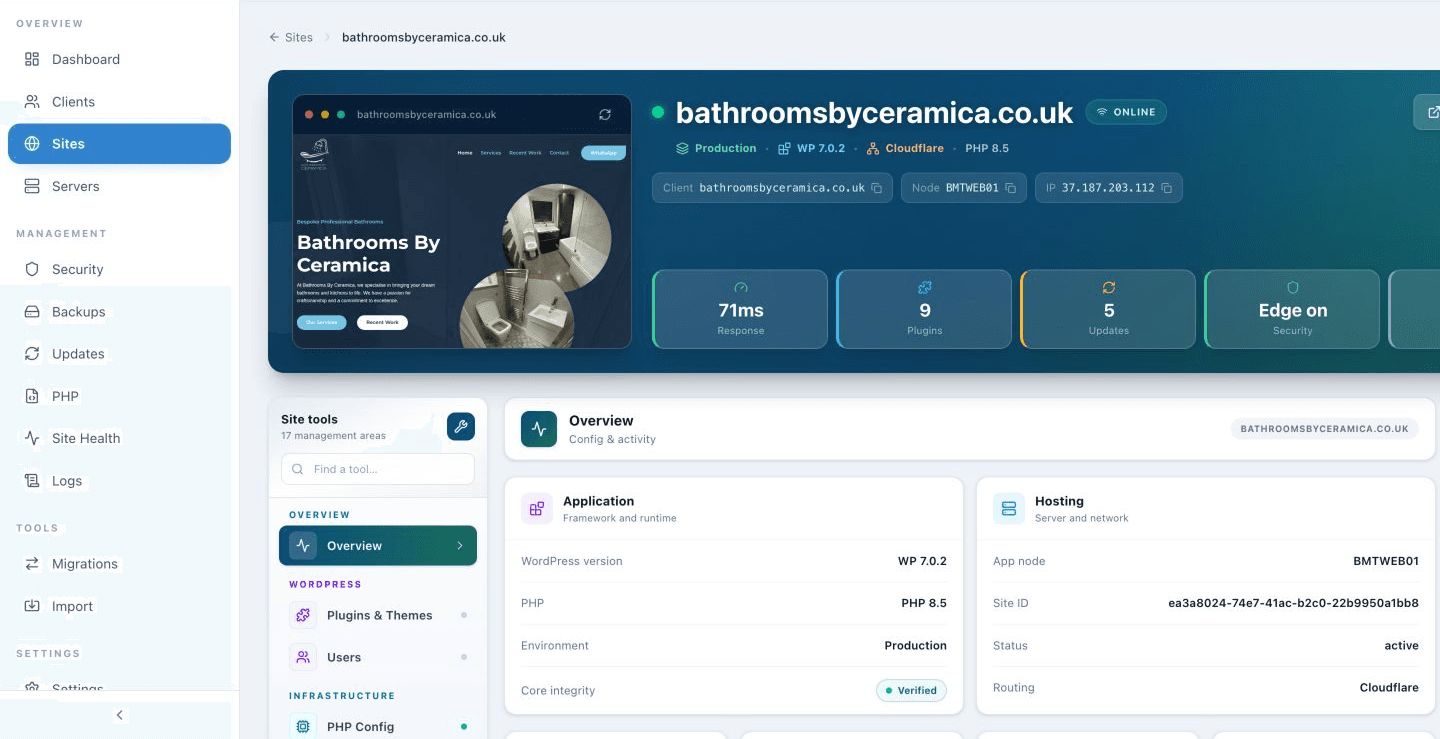
Pulse site overview showing live health and platform context for bathroomsbyceramica.co.uk

Health beyond a green light

Review the wider health of managed sites rather than relying on a single uptime result.

What v4 brings together

The operational context around every managed site.

Sites

The managed estate in one view

  • Search and filter the full site list
  • Environment, platform, routing and server filters
  • Response history and online state
  • WordPress, PHP and Cloudflare context on each card
Site workspace

Everything important attached to the site

  • An on-demand website preview with pop-out view
  • Production or staging state
  • Click-to-copy node and IP details
  • WordPress, PHP, response, storage and backup context
Actions

Useful controls where the work starts

  • Open the live or staging site
  • Audited WordPress admin access
  • Cache purge from the site workspace
  • Create staging and mute alerts where available
Backups

Verified restore points, not vague backup promises

  • Manual and scheduled site backups
  • Files and database grouped into one restore point
  • Verification state and backup history
  • Safety backup before restore with rollback route
Updates

WordPress updates across the estate

  • WordPress core, plugin and theme visibility
  • See which sites require attention
  • Open the affected site with its wider context
  • Keep update work connected to managed support
DNS and PHP

Fleet-wide technical context

  • Cloudflare connection and routing state by domain
  • Readable PHP versions across managed sites
  • Filter and review platform configuration
  • Reduce routine checks across separate supplier panels
Servers and clients

The structure behind the estate

  • Managed server health and capacity views
  • Sites grouped by client and application node
  • Clear production infrastructure context
  • A consistent route from client to site to server
Support access

Help that remains accountable

  • Support access activity is recorded
  • The Pulse team works with site context
  • Important actions stay visible to the account
  • No need to share permanent WordPress credentials

Tell us what you are managing today.

We’ll talk through the sites, the work falling to your team and what a genuinely managed service would need to take responsibility for.

Start a conversation